In previous blogs we have talked about the importance of website accessibility but one under talked about aspect is how accessibility can positively impact SEO.
The technical foundations that make a website accessible, such as clear heading structure, descriptive alt text, and fast load times, are the same foundations that search engines (and AI!) reward.
Today we will break down exactly how website accessibility can positively impact SEO, and what you can start fixing today.
Key Takeaways
- Accessible websites are easier for search engines and AI to crawl and understand.
- Good accessibility practices reduce bounce rates and increase time on site, both of which support SEO.
- Responsive design and page speed are fundamental elements of both accessibility and search ranking.
- Quick fixes like heading structure, alt text, and anchor text can be actioned as soon as possible.
- More technical or design related-issues like poor colour contrast or keyboard navigation difficulty usually need a designer or developer to fix and may need more planning to address.
The Positive Impact of Accessibility on SEO
Crawlability: helping search engines and AI understand your site
Search engines rely on structured, logical content to understand what a page is about, and this is exactly what accessibility guidelines ask for. A website built with proper heading hierarchy, semantic HTML(external link), and descriptive text gives search engine crawlers a clear path through your content. The same applies to AI-driven search tools, which increasingly rely on structured content to generate summaries and answers. If your website is difficult for a screen reader to interpret, it is likely just as difficult for a search engine bot to interpret, which makes improving accessibility one of the most direct ways to improve crawlability.
User experience: navigation, engagement, and lower bounce rates
Search engines pay close attention to how users behave once they land on your site. If visitors struggle to navigate a page, they leave quickly, and that signals a poor experience to search algorithms. An accessible website is, by definition, easier for everyone to navigate, whether they are using a keyboard, a screen reader, or simply browsing on a phone in bright sunlight. Lower bounce rates, longer session times, and higher engagement all follow from an accessible, well-organised layout, and these behavioural signals support stronger SEO performance over time.
Responsive design supports both accessibility and search ranking
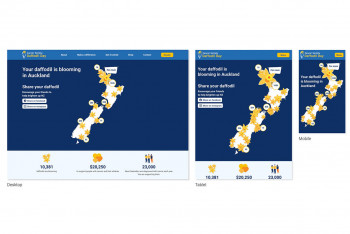
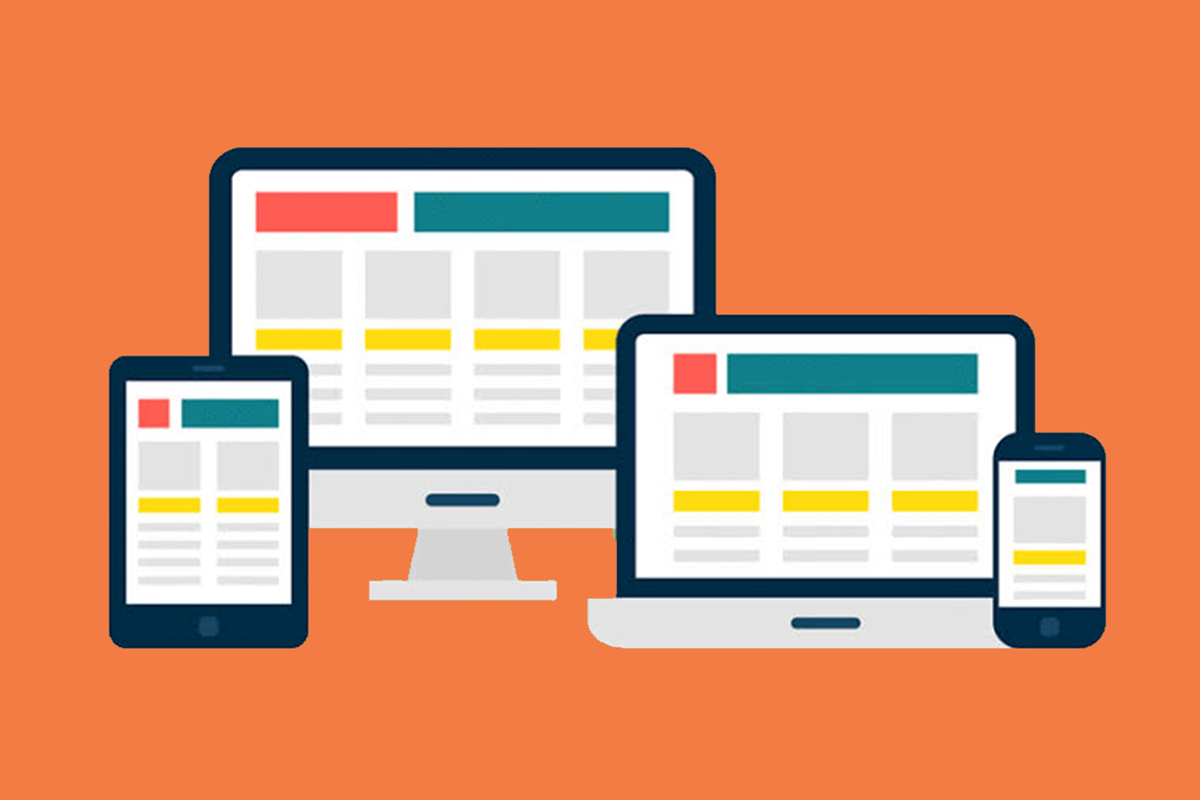
Responsive design ensures a website adapts to different screen sizes and devices. This matters for accessibility because it allows users with low vision, motor impairments, or older devices to interact with content comfortably. It also matters for SEO, since search engines prioritise mobile-friendly websites in their rankings. A responsive layout that resizes text, adjusts navigation, and maintains readable contrast benefits accessibility and search visibility at the same time.
Page speed and its role in accessible, high-ranking websites
Page speed affects everyone, but it has a particular impact on users with cognitive or motor impairments who may rely on assistive technology that slows down interaction further. A slow-loading page increases frustration and abandonment for these users, and search engines treat page speed as a ranking factor in their own right, so slow pages consistently underperform in search results. Optimising page speed, then, is both an accessibility improvement and an SEO improvement.
How Do You Know if Your Website Is Accessible?
The most reliable way to check website accessibility is to run your site through an automated accessibility checker, such as Lighthouse or PageSpeed Insights(external link), and review the results against the Web Content Accessibility Guidelines (WCAG). These tools will flag issues such as missing alt text, poor colour contrast, and unclear heading structure.
It is worth manually testing keyboard navigation as well, since automated tools cannot always detect whether a user can move logically through a page using only the tab key. Reviewing your site with a screen reader (Apple products have a built-in screen reader called VoiceOver(external link)) will highlight gaps that are easy to miss during standard design and development work. A regular accessibility audit, alongside your usual SEO audit, keeps both disciplines aligned.

Quick Accessibility Fixes That Can Improve Your Website’s SEO
Heading structure
A clear heading structure, using H1, H2, and H3 tags in a logical order, helps both screen reader users and search engines understand how your content is organised. Skipping heading levels, or using headings purely for visual styling, makes a page harder to follow for assistive technology and search crawlers alike.
Alt text for images
Alt text describes an image for users who cannot see it, and it also gives search engines context about the content of that image. Use relevant images where possible, and write alt text that describes what the image actually shows, rather than a generic or repeated phrase across your site. Descriptive file naming conventions, such as wellington-bus-stop-signage.jpg rather than IMG1234.jpg, reinforce this further.
Anchor text
Anchor text is the visible, clickable text in a hyperlink, and it should describe where the link leads. Phrases like "click here" or "read more" offer no useful information to screen reader users navigating by links, and they offer little SEO value either. Similar to using descriptive naming conventions for image alt text, consider being more descriptive for your anchor text, such as "read our website accessibility guide.” This supports both accessibility and keyword relevance.
Image sizes
Large, uncompressed images slow down page load times, affecting both accessibility and SEO. Aim to keep image file sizes under 100kb where possible. Compression tools such as TinyPNG, or built-in options in Photoshop, can reduce file size significantly without a noticeable drop in quality.
Long-Term Fixes for Sustainable Accessibility and SEO Gains
Some accessibility improvements are more complex and require technical or design expertise. These aren’t necessarily quick fixes but they are just as important if you want better website accessibility and SEO.
Fixing page speed issues
Deeper page speed issues, such as unoptimised code, excessive scripts, or poor server response times, usually need a developer to resolve. These technical fixes tend to produce the largest and most lasting SEO gains.
Navigation for keyboard and screen reader users
Proper keyboard and screen reader navigation depends on visible focus states, correctly labelled form fields, and a logical tab order through the page. This work typically involves a developer adjusting the underlying code, rather than a content or design change alone.
Colour contrast
Text and background colours need to meet WCAG colour contrast ratios(external link) so that users with low vision or colour blindness can read your content clearly. A designer can audit your colour palette and adjust it to meet these ratios while keeping your brand identity intact.
ARIA labels for custom components
Menus, tabs, modals, and other interactive elements often rely on visual cues that a screen reader cannot interpret on its own. ARIA labels(external link) and roles describe what these components do and how they behave, giving assistive technology the context it needs. A developer needs to implement this at the code level, and it is worth testing with a screen reader afterwards to confirm the labels behave as expected.
Video and audio captions
Captions and transcripts make video and audio content accessible to users who are deaf or hard of hearing. Transcripts also give search engines readable, indexable text from content that would otherwise be invisible to a crawler, which makes captioning one of the more direct ways that accessibility work can open up new SEO opportunities.
If you aren’t able to add a transcript to your video or audio content it is worthwhile asking your web developer to add this functionality to your site. This is also dependent on whether your videos and audio are hosted on your site or if they are linked to from third-party platforms like YouTube or Vimeo.
Form accessibility
Forms are often where accessibility breaks down, particularly on booking pages, applications, and contact forms. Every field needs a clearly associated label, error messages need to be specific and easy to locate, and the tab order through the form needs to follow a logical sequence. Getting this right reduces abandonment for all users, not only those relying on assistive technology.
Ready to Improve Your Website’s Accessibility and SEO?
Website accessibility and SEO are closely connected, and improving one will generally strengthen the other. If you would like support reviewing your website's accessibility and identifying the SEO opportunities it presents, get in touch with the team at Somar Digital.
We have the inhouse expertise, including developers, designers and SEO experts, that can fix the complex technical issues as well as advising you on how to tackle content issues like alt tags and heading structure.