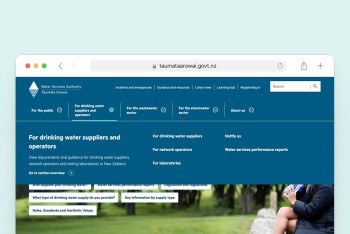
The most reliable way to improve user experience on your website is to remove the friction that stops people from finding the information they are looking for. Every slow page, unclear button or confusing menu costs you attention and trust. This guide looks at five areas where practical changes improve user experience in measurable ways.
Key Takeaways:
- Faster pages improve user experience by reducing frustration and drop-offs.
- Consistent user interface (UI) design helps visitors understand your site quickly.
- Clear, simple content improves user experience at every step of a journey.
- Accessible design lets more people use your site.
- Logical navigation helps users find what they came for.
Page Speed and Website Performance
Speed is the first thing visitors notice, and it shapes every impression that follows. Slow pages raise bounce rates and lower conversions, so faster loading is one of the clearest ways to improve user experience.
Compress and Optimise Images
Large images are a common cause of slow pages. Compress files, choose modern formats such as WebP and size images to their display area. Lazy loading also helps, because images load only when a visitor scrolls to them.
Reduce Unnecessary Code and Scripts
Unused plugins, tracking tags and bloated code all add weight. Audit what your site loads, remove what it does not need and minify the rest.
Use Caching and a Content Delivery Network
Caching stores copies of your pages so they load faster on repeat visits. A content delivery network (CDN) serves those pages from a server close to the visitor, which cuts delay.
Measure Performance with Core Web Vitals
Core Web Vitals are Google's measures of loading speed, responsiveness and visual stability. Track them in Google Search Console, then fix the weakest metric first to improve user experience where it counts.
User Interface Design
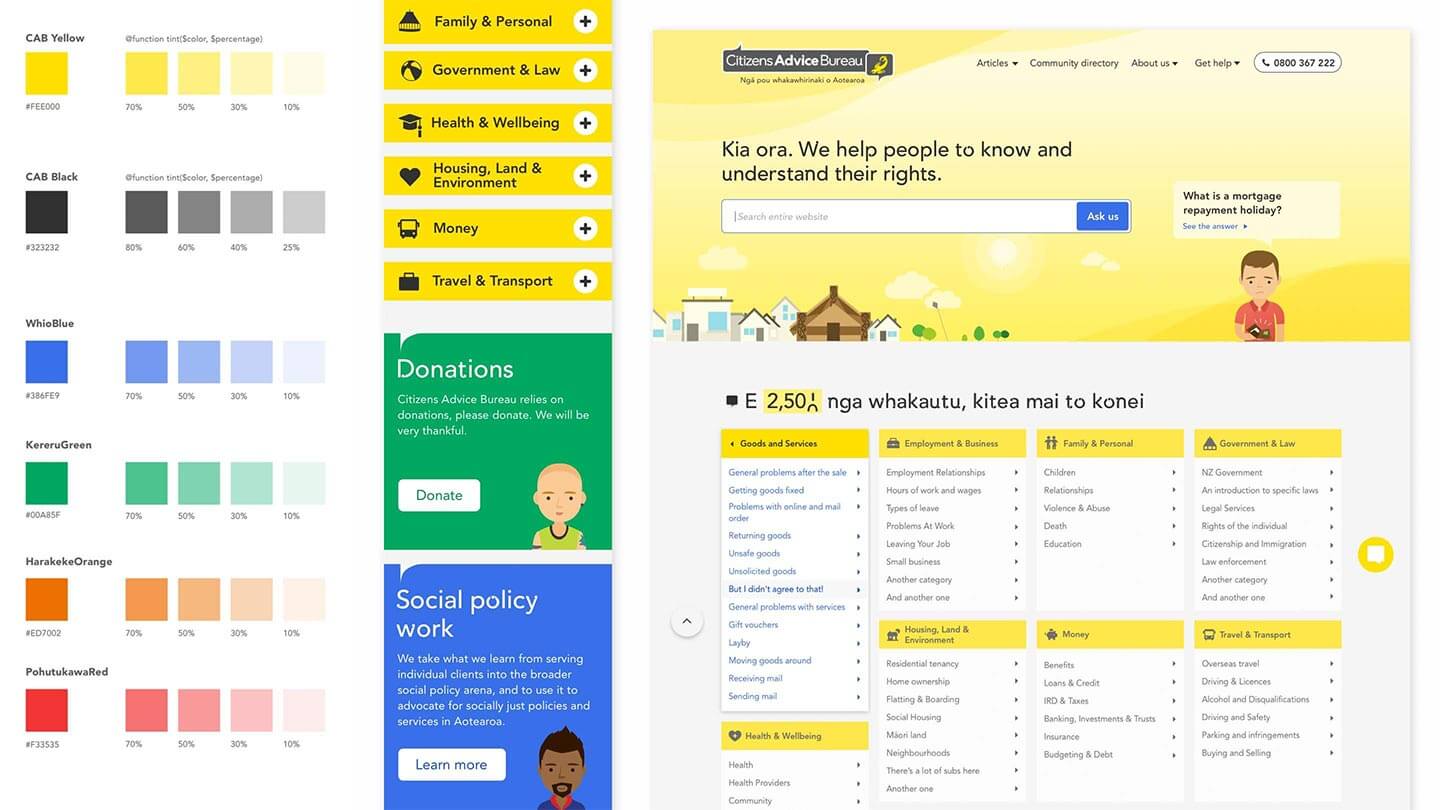
UI design shapes how a site looks and behaves. Clear, predictable interfaces let users act with confidence, which is why good UI design improves user experience directly.
Build a Consistent Visual Hierarchy
Page hierarchy tells visitors what matters most. Use size, weight and position to guide the eye from headline to key action. Repeat the same patterns across pages so users never have to relearn your site.
Choose Readable Typography and Colour
Choose legible typefaces, comfortable line lengths and a limited colour palette. The 60-30-10 rule is a useful guide: 60 per cent dominant colour, 30 per cent secondary and 10 per cent accent.
Responsive Design
Many visitors will arrive on your site on mobile, so that’s a good place to start. Use tap-friendly targets, short forms and layouts that adapt cleanly to all screen sizes.
Make Buttons and Interactive Elements Clear
Buttons should look clickable and say what happens next. Labels such as "Get a quote" outperform vague ones like "Submit" when you want to improve user experience.

Design with Simplicity and Clarity
Keep Layouts Clean and Focused
Give each page one main purpose. Remove elements that compete for attention, so users can see the next step at a glance.
Write Clear, Plain Language Content
Plain language respects your reader's time. Use short sentences, active voice and familiar words, and explain any acronym the first time it appears.
Simplify Forms and Key User Journeys
Every extra form field lowers completion rates. Ask only for what you need, and map key journeys to remove unnecessary steps.
Accessibility Helps Improve User Experience
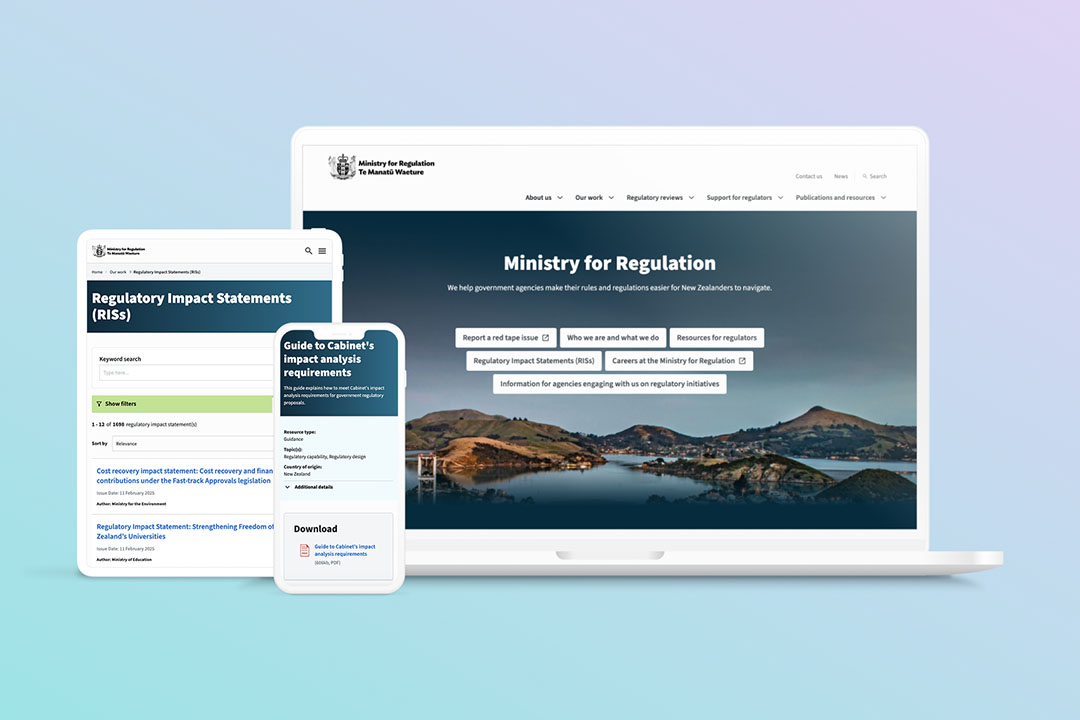
Accessibility ensures people of all abilities can use your site. Features built for specific needs, such as captions and clear structure, improve user experience for every visitor.
Follow Web Content Accessibility Guidelines (WCAG)
The Web Content Accessibility Guidelines (WCAG) set the international standard. Aim for level AA, and review your site against it regularly.
Add Alt Text and Descriptive Links
Alt text describes images for screen reader users. Descriptive link text such as "Read our accessibility guide" is far more useful than "click here".
Ensure Sufficient Colour Contrast
Low contrast makes text hard to read, particularly in bright light. WCAG recommends a contrast ratio of at least 4.5:1 for standard text.
Support Keyboard Navigation and Screen Readers
Test that every link, menu and form works without a mouse. Use semantic headings and visible focus states so assistive technology can interpret your pages.
Logical Website Navigation
Create a Logical Site Structure
Group content the way users think about it, not the way your organisation is structured. A logical hierarchy makes it easier to improve user experience and supports search visibility.
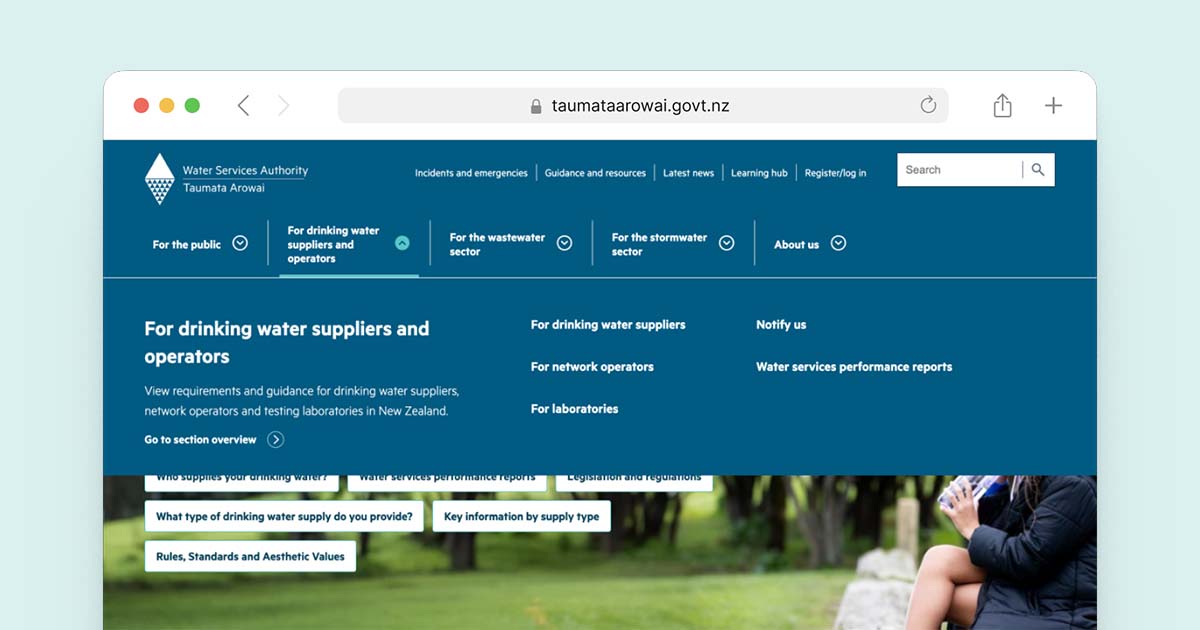
Keep Menus Simple and Predictable
Limit top-level menu items and use plain labels. Place navigation where users expect to find it.
Make Search Easy to Find and Use
A visible search bar helps people who know what they want. Support typos and suggest results as they type.
Use Breadcrumbs and Internal Links
Breadcrumbs show users where they are and offer a quick route back. Internal links connect related content and keep visitors moving.
Test Navigation with Real Users
Analytics show where users leave, but testing shows why. Run tree tests and usability sessions, then refine your structure using what you learn.
Conclusion: Improve User Experience with Confidence
To improve user experience, focus on speed, clear UI design, simple content, accessibility and navigation. Each area supports the others, and steady, evidence-based improvements add up.
Somar Digital works in partnership with organisations to improve user experience through research, design and development. Contact our team to discuss how we can help.