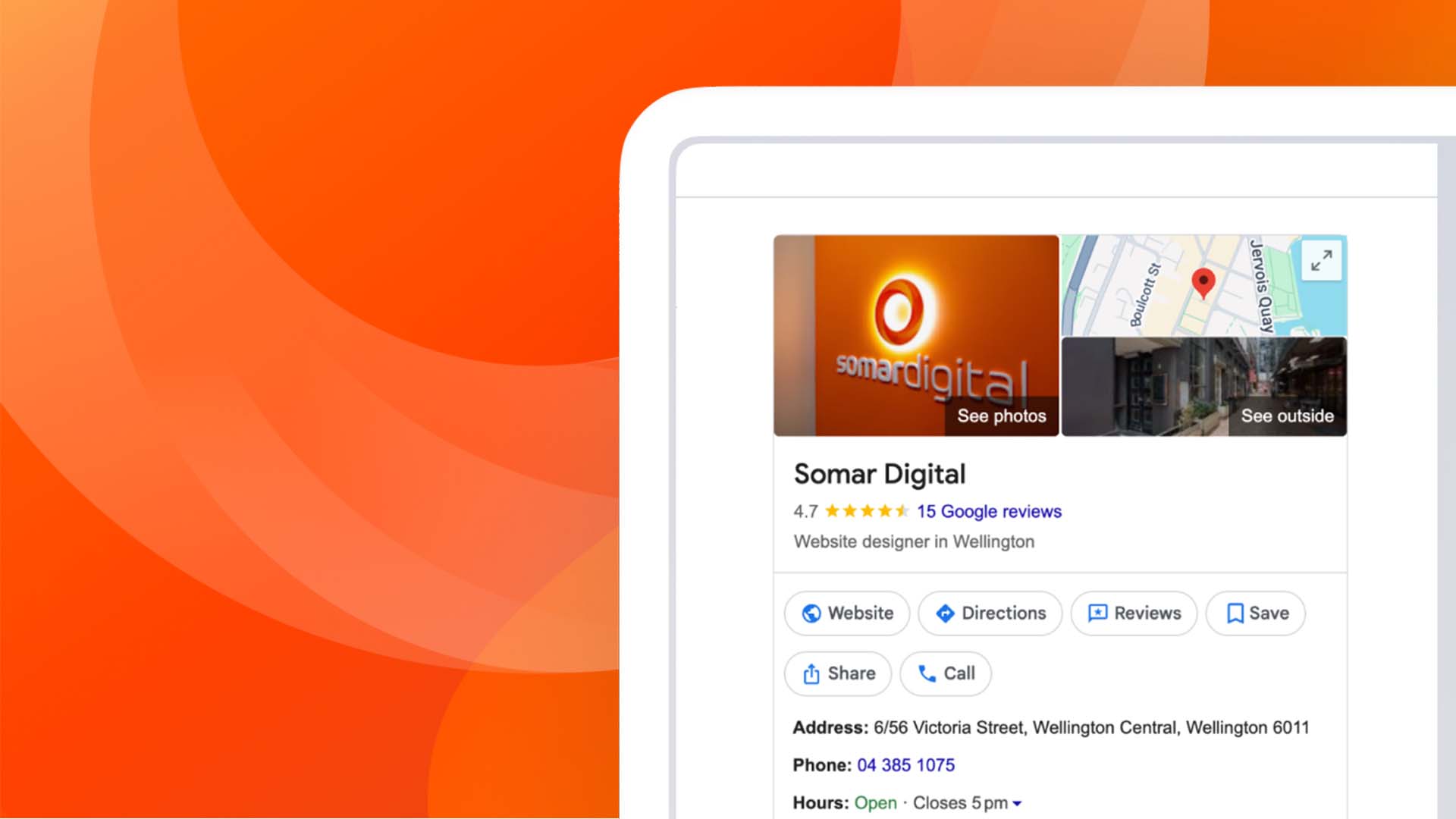
Setting up a Google Business Profile (previously known as Google My Business) is one of the fastest ways a New Zealand business can appear in local Google Search and Maps results. It's free and puts your hours, contact details, photos, and reviews in one place. For many small and medium businesses, it's the first thing a potential customer sees before visiting a website. This guide covers the full process, from signing in through to verification and ongoing maintenance.
Key takeaways
- Setting up a Google Business Profile is free and typically takes 20 to 30 minutes.
- You will need a Google account, your business name, category, location, and contact details.
- Verification is compulsory before your profile appears publicly in Search and Maps.
- Google now favours video verification for many businesses, alongside phone, email, and postcard options.
- An unclaimed or unverified Google Business Profile limits your visibility in local search.
- Ongoing tasks like posts, photos, and review replies keep a Google Business Profile working for you.
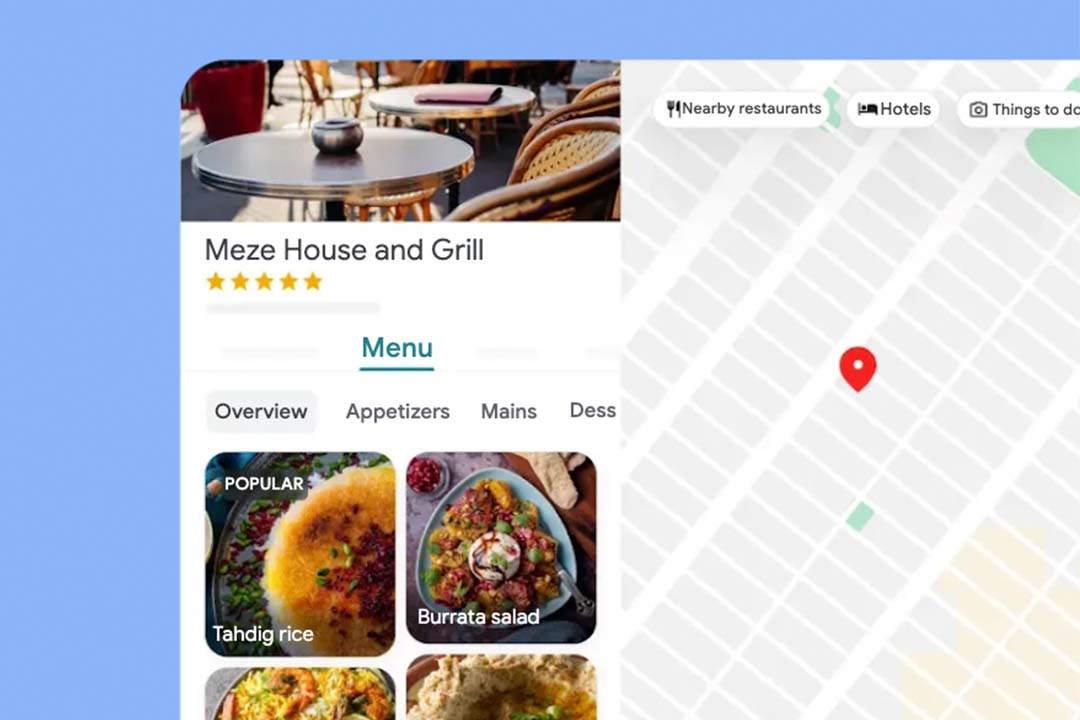
Getting started with your Google Business Profile
Sign in
Go to business.google.com and sign in with the Google account you want to manage your business profile with. If you already use a Google account for other business tools, such as Gmail or Google Ads, it makes sense to use the same one here. This keeps ownership tidy if more than one person at your organisation ever needs access.
Name and category
Enter your business name exactly as it appears on your signage, website, and official documents. Consistency matters, as Google cross-checks your name against other sources online during verification. Next, choose a primary category that describes your core business as specifically as possible. A generic category can limit which searches your Google Business Profile appears in, so avoid choosing something too broad. You can add secondary categories afterwards to cover related services.
Location details
If customers visit your premises, add your exact address and confirm it on the map provided. Service-area businesses, such as trades or mobile services, can hide their address and instead list the regions or towns they cover. Getting this right early avoids delays later, since major address changes after verification can trigger a fresh verification request.
Contact info
Add a phone number and website customers can use to reach you. Where possible, use a number and email tied to your own business domain, as this can support faster verification later on.
Add, claim, or request ownership of your Google Business Profile
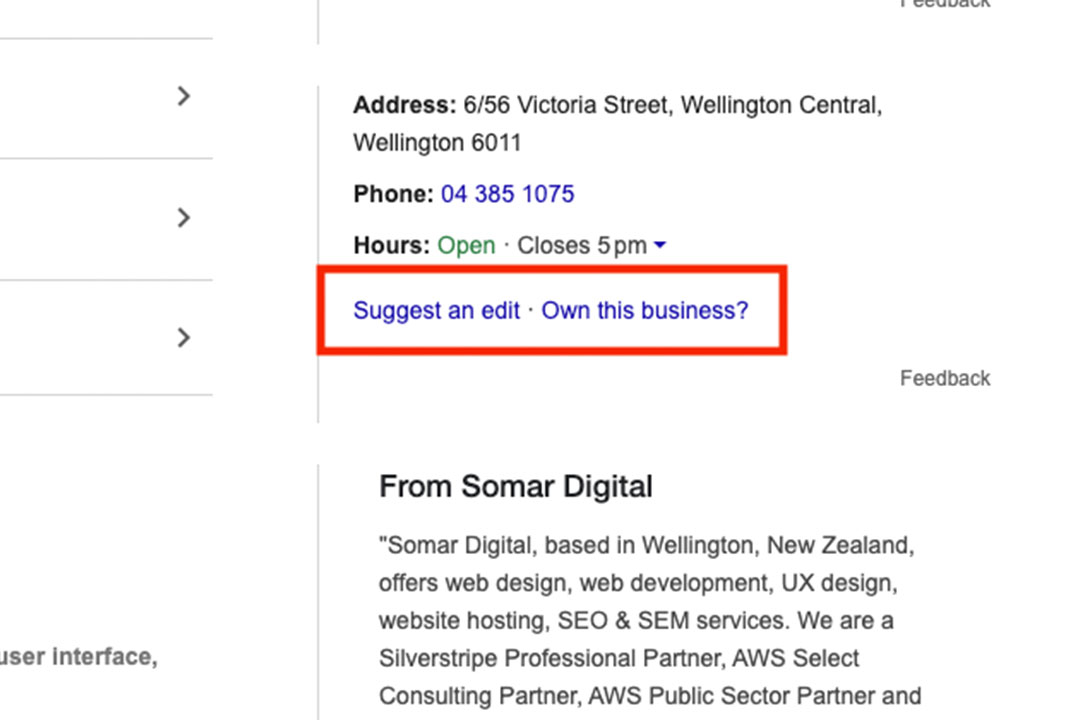
Before creating a new listing, search Google for your business name to check whether a profile already exists. Many New Zealand businesses are surprised to find a profile already sitting there, sometimes created automatically by Google or left behind by a previous owner or agency. If a profile exists and shows as unclaimed, select "Own this business?" or "Claim this business" to begin the claiming process. If nothing appears at all, select "Add your business to Google" and work through the setup steps above.
Sometimes a search reveals that another account already manages your listing, often showing a partial email address. This is common when a former staff member, contractor, or old marketing agency set the profile up. In this case, select "Request access" and complete the form, noting your relationship to the business and the access level you need. The current manager typically has a few business days to respond. If there is no response in time, Google may allow you to claim the profile yourself, so it pays to start this process early if you are working towards a launch date.
Verify your Google Business Profile
Verification confirms to Google that your business is genuine and that you are authorised to manage it. Your Google Business Profile stays hidden from Search and Maps results until this step is complete, so it should not be left until later. Google decides which verification methods you are offered based on your business type, category, and location.
Common options include:
- Phone or text, where Google sends a code by automated call or SMS.
- Email, where a code is sent to an address on your business domain.
- Postcard, where a code arrives by mail, usually within 5 to 14 days.
- Video verification, where you film your premises, signage, and proof of operation in one continuous take.
Video verification has become a more common requirement in 2026(external link), particularly for newer profiles or businesses without a strong existing online presence. If asked for a video, film your exterior signage first, then move inside to show your workspace and something that demonstrates day-to-day operations. Avoid capturing faces, customer details, or sensitive documents in the recording. Most verification reviews are completed within a few business days.
Additional steps to finish your profile
Verification is not the finish line for a Google Business Profile. The following details help your profile perform well in local search and give customers reasons to choose you.
Business hours
Keep your regular hours accurate, and update special hours ahead of public holidays or unusual closures. Incorrect hours are one of the most common complaints customers raise about local business listings.
Photos and images
Add clear, well-lit photos of your premises, team, and products or services. Profiles with regular photo updates tend to attract more engagement than those left untouched.
Posts and updates
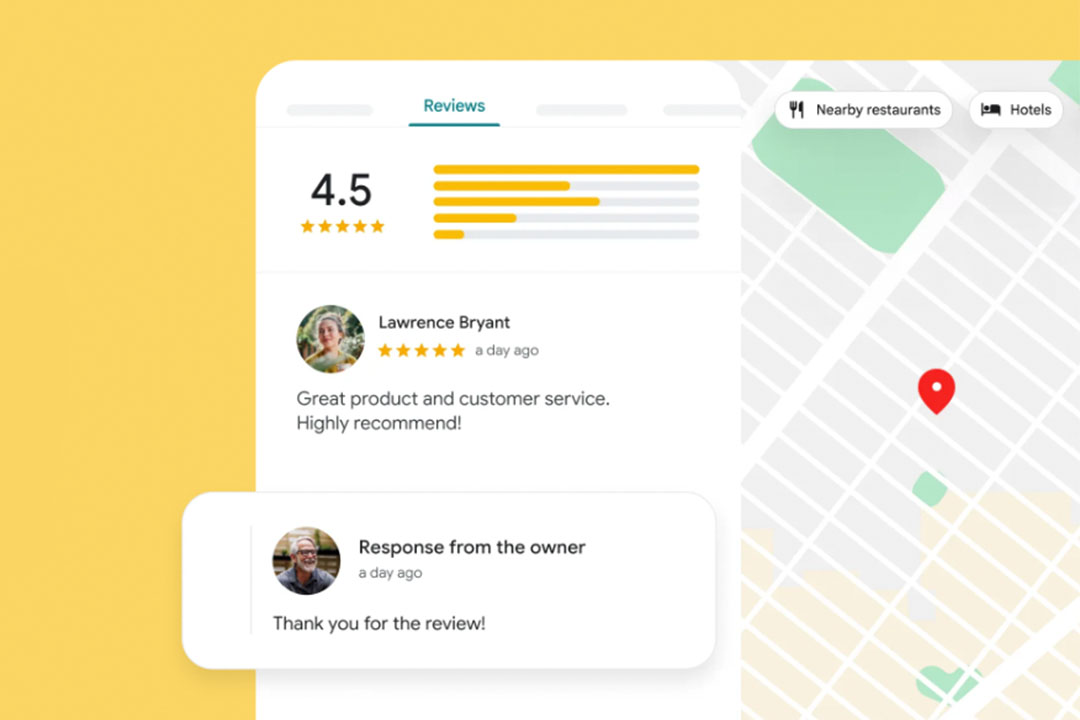
Use posts to share offers, events, or business updates directly on your Google Business Profile. Regular posting signals to Google that your profile is actively managed.
Add or edit products
List your key products with names, descriptions, and prices where relevant. This gives customers a quick sense of what you offer before they contact you.
Add or edit services
For service-based businesses, list your core services clearly, using the same language customers would search for.
Setting up a Google Business Profile is a straightforward process, but each step matters for how quickly and reliably your business appears in local search. From claiming or creating your profile through to verification and ongoing updates, a well-maintained Google Business Profile is one of the most valuable free marketing assets available to a New Zealand business.
If you would like help setting up, verifying, or optimising your Google Business Profile, Somar Digital's team can guide you through the process from start to finish.