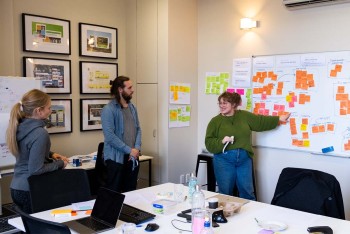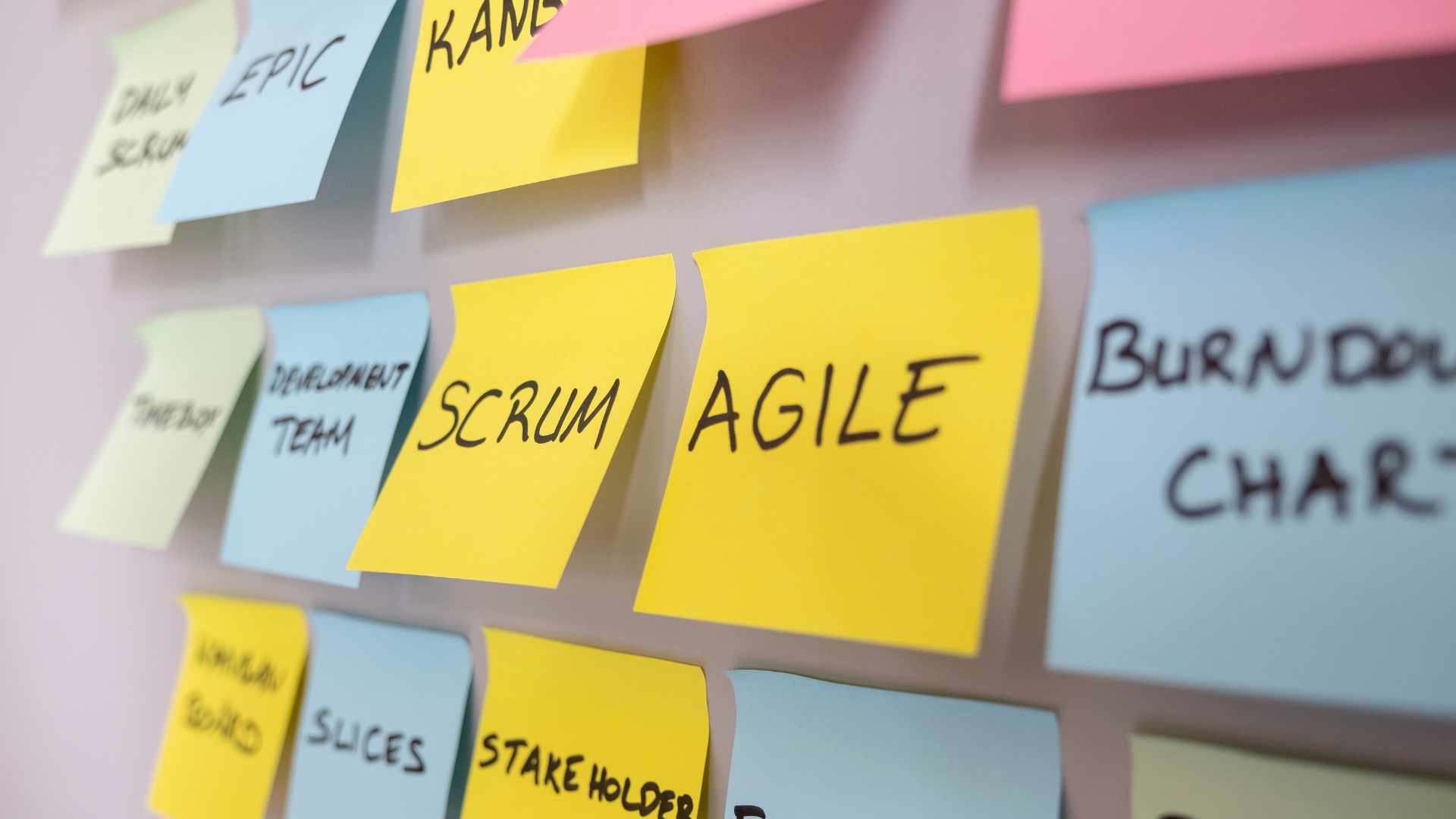
A user story is one of the simplest and most effective ways to describe what a user needs from a product or service. In Agile teams, a well-written user story helps keep delivery focused on real user value rather than technical activity for its own sake.
Key Takeaways
- A user story is a short, user-focused description of a feature or need.
- Every user story should explain who the user is, what they want, and why it matters.
- In Agile delivery, a user story helps teams prioritise work based on value.
- A user story is smaller than an epic but broader than a task.
- Good user story writing improves collaboration between product, design, development, and testing teams.
- Tools like Jira help teams organise, track, and manage each user story throughout delivery.
What Is a User Story?
Definition
A user story(external link) is a short statement that explains a requirement from the user’s point of view. It is usually written in a simple format such as:
As a [type of user], I want [goal], so that [benefit].
This format works because it forces the team to think about the user before the feature. Rather than starting with a system function or a technical solution, a user story starts with a person, their need, and the value they expect to gain.
In general, a user story should give the team enough context to understand the need, ask questions, and work together on the best solution.
Why User Stories? How Do They Fit into the Agile Methodology
A user story fits naturally into Agile methodology because Agile is built around iterative delivery, collaboration, and user value. Instead of planning everything in detail upfront, Agile teams break work into smaller pieces that can be prioritised, tested, and improved over time.
That is where the user story becomes useful. It helps teams organise work into manageable units that are meaningful to users. A user story can be estimated, prioritised, discussed in sprint planning, and reviewed at the end of a sprint. It creates a direct link between the work being done and the outcome the team is trying to achieve.
In practical terms, a user story helps Agile teams:
- focus on user needs rather than internal assumptions
- break large ideas into smaller deliverables
- support prioritisation in the product backlog
- improve communication across the team
- create a shared understanding before development begins
Without a strong user story, teams can easily drift into vague requirements, unnecessary features, or disconnected tasks.
User Story vs Task vs Epic
A user story, task, and epic all describe work, but they operate at different levels.
An epic is a large body of work that is too big to complete in one sprint. It usually covers a broad goal or feature area. For example, “Improve the customer checkout experience” could be an epic.
A user story sits below the epic. It focuses on one specific need within that larger goal. For example, “As a customer, I want to save my delivery address so that I can check out faster next time.”
A task sits below the user story. It is a specific piece of work needed to deliver the story, such as designing the address form, building the API endpoint, or testing validation rules.
So, in simple terms:
- epic = large feature area
- user story = user-focused requirement
- task = action needed to complete the requirement
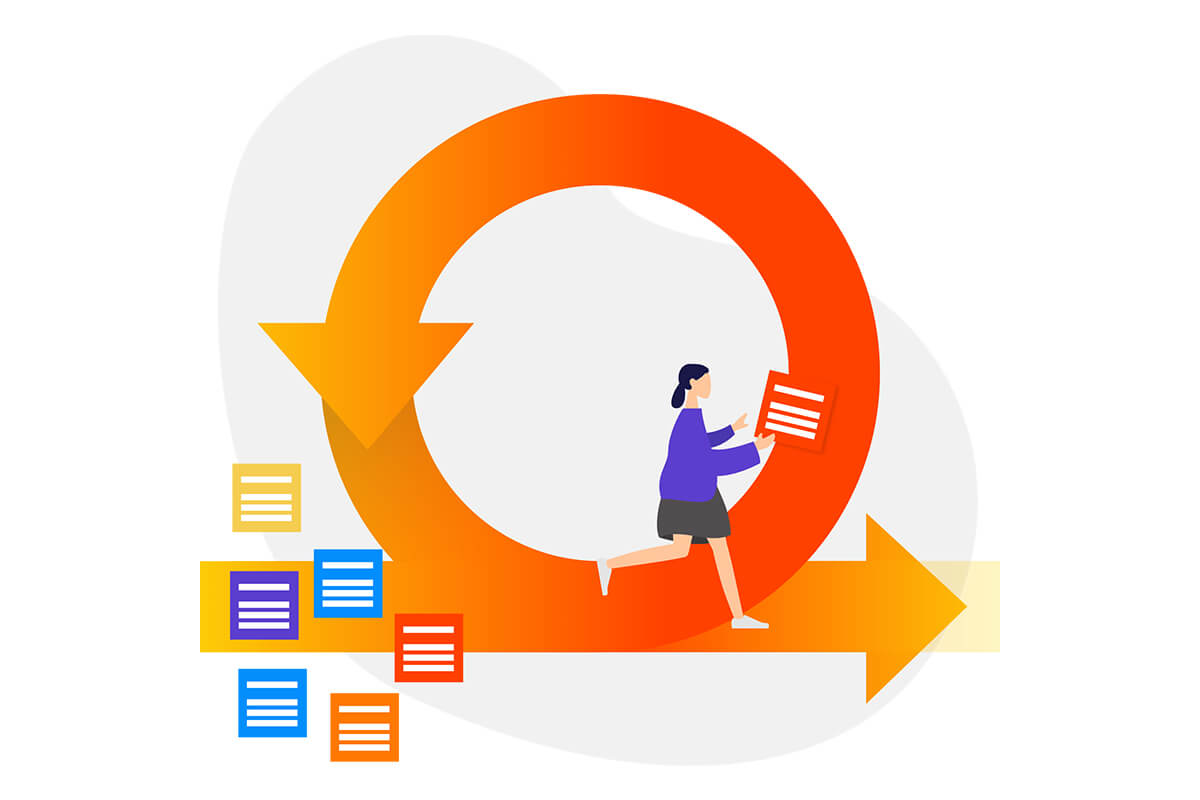
User Story Examples
A good user story is clear, specific, and tied to value. Here are a few practical user story examples:
- As a first-time visitor, I want to view pricing clearly so that I can decide whether the service suits my budget.
- As a registered user, I want to reset my password so that I can regain access if I forget it.
- As a commuter, I want to receive service alerts so that I can plan my journey around disruptions.
- As an administrator, I want to update homepage content without developer support so that content changes can be made quickly.
Each user story is short, but each one opens the door to further discussion. The team still needs acceptance criteria, edge cases, and design considerations, but the user story provides the core direction.
Who Creates a User Story in the Project Team?
A user story is often written by a Product Owner, Scrum Master, or someone responsible for managing the backlog. However, creating a good user story is rarely a solo exercise.
In high-performing teams, a user story is shaped collaboratively. Product people bring business goals and user needs. Designers add usability insight. Developers assess technical feasibility. Testers help define what success looks like. This shared input usually leads to a better user story and a clearer understanding of the work.
So while one person may write the initial user story, the best results usually come when the team refines it together.
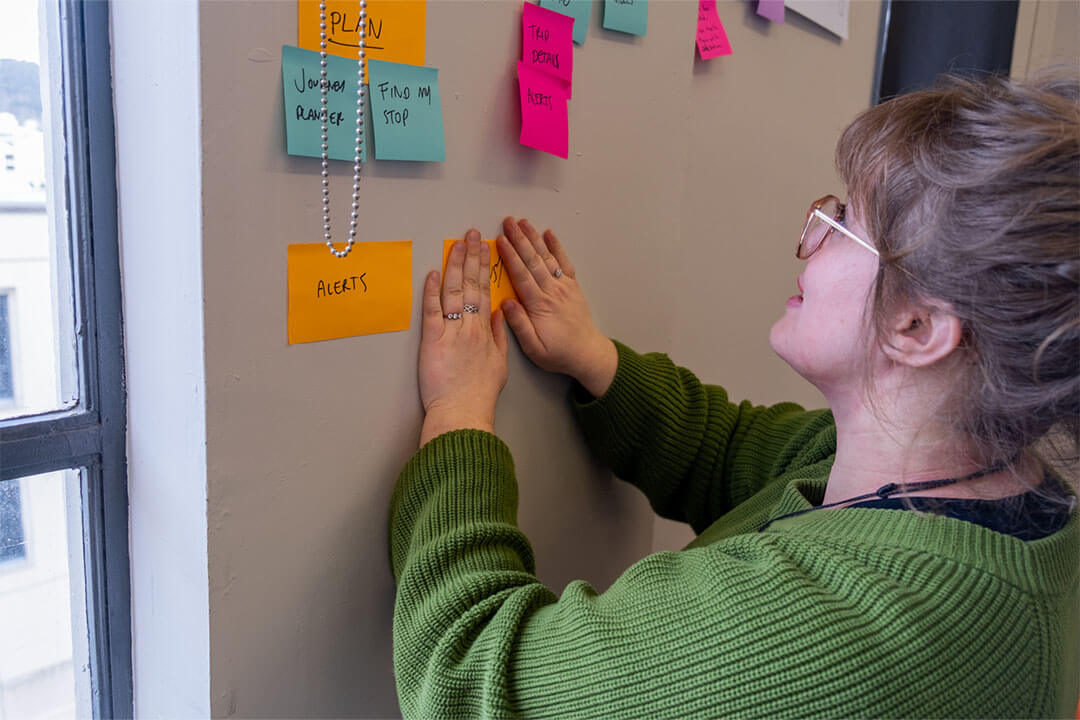
How Do You Write a User Story?
Writing a strong user story means keeping it simple while still making it useful. A weak user story is vague, overly technical, or disconnected from real user value. A strong user story gives the team a clear reason to build something.
A practical process for writing a user story looks like this:
First, identify the user. Who is this feature for? Be specific where possible.
Next, define what they need to do. This should describe the action or goal from the user’s perspective.
Then, explain why it matters. This part is often overlooked, but it gives the user story meaning and helps the team make better decisions.
Finally, add supporting detail such as acceptance criteria. The user story itself should stay concise, but the surrounding notes should remove ambiguity.
A strong user story is typically:
- clear
- valuable
- testable
- small enough to deliver
- open to discussion
User Story in Jira
Jira is a popular project management and issue tracking tool used by Agile teams to plan, organise, and track work. In many teams, each user story is created as an item in Jira and placed in the backlog or sprint board.
A user story in Jira usually includes the title, description, acceptance criteria, priority, estimate, and workflow status. Teams may also link a user story to an epic, attach designs, add technical notes, and break it into subtasks.
Project management tools, like Jira, give teams a structured place to manage each user story through discovery, delivery, testing, and release.
User Story Template
A simple user story template is:
As a [user type], I want [action or goal], so that [benefit or outcome].
Here is an example:
As a returning customer, I want to save my payment details, so that I can complete future purchases more quickly.
You can then add acceptance criteria underneath, such as:
- payment details can be saved securely
- saved details can be edited or removed
- the user must opt in before saving payment information
This user story template works because it stays concise while giving enough context to guide discussion.
Turn User Stories Into Better Digital Delivery
A well-written user story helps teams make smarter decisions, align around user needs, and deliver work that has a clear purpose. When a user story is clear, valuable, and well understood, the whole delivery process becomes more focused and effective.
If your team wants help turning discovery, requirements, and backlog thinking into clearer digital delivery, it pays to work with people who understand both user needs and delivery realities.