Key Takeaways
- A well-built Sanity CMS implementation gives teams a powerful, flexible, and highly scalable way to manage content across channels.
- Sanity CMS acts less like a traditional CMS and more like a full content operating system that adapts to your organisation’s needs.
- It offers developers deep customisation while giving editors an intuitive, structured environment for creating and maintaining content.
- Sanity CMS is used by global brands and is supported by a generous free tier, making it accessible to both small teams and enterprise-scale organisations.
- With modular tools, strong APIs, real-time collaboration, and AI-assisted features, Sanity CMS stands out as one of the most dynamic platforms in the modern content landscape.
What is Sanity CMS?
Sanity CMS(external link) is a modern, developer-friendly content platform built to manage structured content and power digital experiences across any channel.
It stands apart by giving teams complete flexibility in how content is created, structured, and delivered(external link).
Key points include:
- Separates content management from presentation for true multi-channel delivery.
- Gives teams full control over how content is modelled, reused, and displayed.
- Offers a flexible, scalable, and open-ended architecture for complex organisations.
- Provides real-time collaboration, a fully customisable Studio, and an API-first foundation.
- Integrates seamlessly with modern frameworks and tools for future-proof development.
Headless CMS or Content Operating System?
Sanity CMS goes far beyond a typical headless model.
While many headless CMS platforms simply store and deliver content, Sanity CMS also orchestrates the entire content lifecycle.
A more accurate description is that Sanity CMS functions as a Content Operating System(external link), giving organisations a structured foundation that evolves with their needs.
Unlike traditional or headless CMS platforms, Sanity underpins your full content ecosystem, supporting creation, governance, automation, and delivery across every digital channel as your organisation grows.
This approach gives teams long-term flexibility, especially when managing multi-channel content at scale.
The three layers of the Sanity Content Operating System
Sanity CMS is organised around three architectural layers(external link), each playing a specific role in how content is created, transformed, and delivered.
1. Content Lake
The Content Lake is Sanity CMS’s cloud-hosted content database.
It stores structured content in a format that is queryable, versioned, and optimised for consistency across systems.
Because the Content Lake handles data in a flexible schema structure, teams can define content models precisely to suit organisational workflows.
2. Compute and AI
This layer handles the business logic of Sanity CMS.
Compute powers serverless functions, automation, validation, and enrichment, allowing complex operations to run within the platform.
AI-based tools support tasks such as content transformation, assisted writing, and automated structuring, enabling editors to work more quickly and accurately.
3. APIs and SDKs
Sanity CMS provides a rich set of APIs and SDKs that give developers full freedom to build bespoke interfaces and integrations.
These tools make it easy to connect Sanity CMS with any frontend framework, workflow tool, analytics solution, or internal system.
This developer-first design is one of the core reasons Sanity CMS has become a favourite in the modern development ecosystem.
The Sanity Dashboard
Sanity CMS includes a centralised dashboard(external link) that acts as the hub for all content operations.
The dashboard enables teams to manage content apps, studio customisations, assets, and AI-powered tools from a unified interface.
Studio
The Studio is Sanity CMS’s fully customisable content management interface.
Developers can tailor layouts, fields, user flows, validation rules, and editorial structures to match exactly how a team works.
This ensures editors are guided by a clean, intuitive workspace aligned with business logic rather than generic CMS conventions.
Media Library
The Media Library manages images, videos, and documents at scale.
Assets stored here can be versioned, transformed, reused across channels, and rendered responsively by Sanity’s image pipeline.
Canvas
Canvas is Sanity CMS's AI-powered environment for drafting, rewriting, or re-shaping content.
It supports content generation based on organisational rules and ensures consistency with existing structures and schemas.
Custom Apps
Using the App SDK, teams can build and embed their own applications inside the Sanity CMS dashboard.
This gives organisations the ability to run workflows, integrations, migration tools, and audits without leaving the platform.
Is Sanity CMS good for beginners?
Sanity CMS can be both approachable and complex, depending on the stage of the project.
The initial setup generally benefits from developer involvement because schemas, structures, and technical foundations need to be defined.
However, once the Studio is configured, Sanity CMS becomes extremely user-friendly for editors.
Is Sanity CMS free?
Sanity CMS offers a free tier designed for personal projects, small websites, prototypes, and early-stage products. This includes core features of the platform but places limits on quotas such as API usage, team size, and available compute.
For larger or more complex organisations, Sanity CMS provides professional and enterprise tiers(external link).
Pricing depends on the scale of content usage, required uptime guarantees, governance features, and collaboration tools.
This makes Sanity CMS flexible from a budgeting perspective, allowing teams to start small and scale as needed.
What companies use Sanity CMS?
Many well-known international brands use Sanity CMS to power their digital experiences.
- Sanity CMS is trusted by companies such as Puma, who rely on structured content to support product storytelling and global campaigns.
- Shopify also uses Sanity CMS in parts of its ecosystem where structured content needs to sync across multiple platforms.
- Anthropic, an AI research company, leverages Sanity CMS to handle complex documentation and knowledge sharing.
These examples illustrate how Sanity CMS performs well for both commercial and technical organisations with demanding content needs.
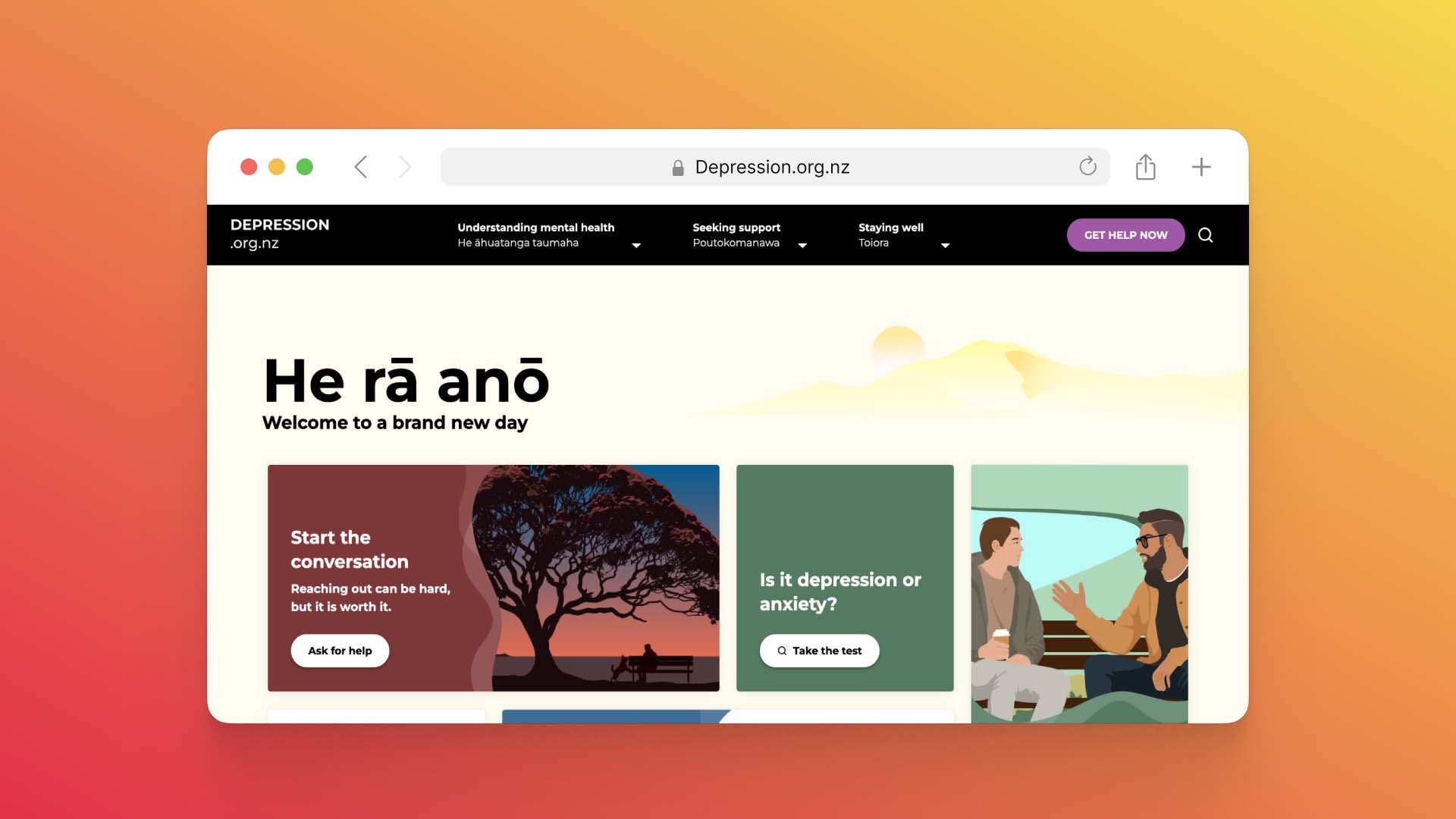
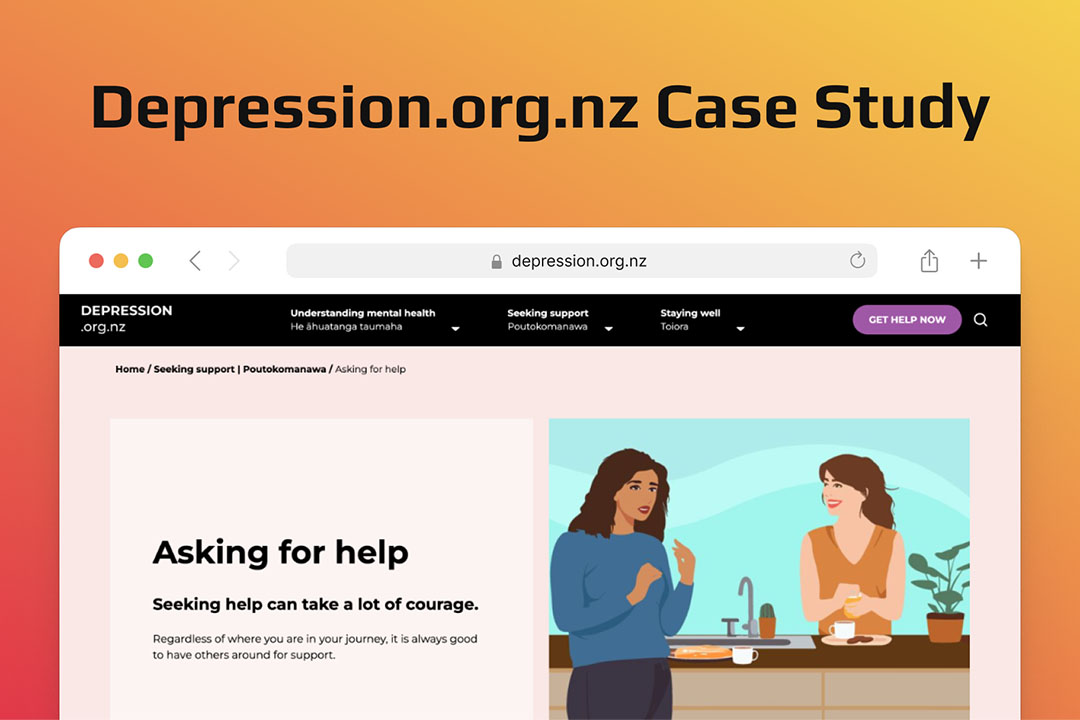
For an example closer to home, at Somar Digital we built the depression.org.nz(external link) website for Health NZ Te Whatu Ora. Let's take a closer look to see why we decided to go with Sanity for this particular website.
Built with Sanity CMS: Depression.org.nz
About the Project
Depression.org.nz, developed by Somar Digital for Health New Zealand | Te Whatu Ora, is a vital resource for mental health support.
The site offers information and tools to help individuals understand their mental health and find support services.
Given its importance, the website needed to be accessible, user-friendly, and scalable.
Why Sanity CMS?
Sanity CMS was chosen for its ability to handle complex content structures while providing an intuitive editing experience.
Its flexibility enabled Somar Digital to create a platform tailored to the specific needs of Depression.org.nz’s users and administrators.
Outcomes
- Improved Accessibility: A user-friendly interface ensures information is easy to find.
- Enhanced Performance: Fast loading times and seamless navigation improve user satisfaction.
- Streamlined Content Management: Administrators can now manage content efficiently, keeping the site updated with minimal effort.
Final thoughts
Sanity CMS stands out because it functions as more than just a place to store and edit content.
It provides an adaptable operating system that supports entire content workflows, from creation and governance to delivery and performance.
For teams that value flexibility, scalability, and future-proof architecture, Sanity CMS offers one of the strongest solutions in the market.
With its blend of developer options, editor-friendly interfaces, and AI-enhanced tooling, Sanity CMS empowers organisations to manage content with clarity, efficiency, and confidence.
If Sanity CMS isn’t the right fit for your website, Somar Digital also has expertise in platforms like Silverstripe and Statamic, ensuring we can recommend the best CMS for your needs.
Reach out to Somar Digital today to learn how we can support your next project.