
If you are asking “how can I advertise on Google?”, the short answer is that you need a website, a Google Ads account, tracking tools, and a clear plan for what you want your ads to achieve.
Google Ads allows your business to appear in front of people who are actively searching for products or services like yours, making it one of the most effective forms of digital advertising when it is set up properly.
This guide walks through exactly what you need to advertise on Google, how to set up the basics correctly, and which types of ads make sense when you are just getting started.
What Do You Need to Advertise on Google?
Before you create your first campaign, there are a few essentials you need in place. Some are mandatory, while others are critical if you want your advertising spend to deliver real results.
Essential Requirements
- A Google account, such as a Gmail address
- A Google Ads account
- A valid credit or debit card for billing
- A live website or landing page that complies with Google’s advertising policies
Strongly recommended for success
- Google Tag Manager (GTM)(external link)
- Google Analytics 4 (GA4)(external link)
- Conversion tracking configured correctly
- Clear goals, such as enquiries, phone calls, or purchases
Without tracking, it is almost impossible to know whether your Google Ads are actually working.
Your Website or Landing Page: Getting It Ready
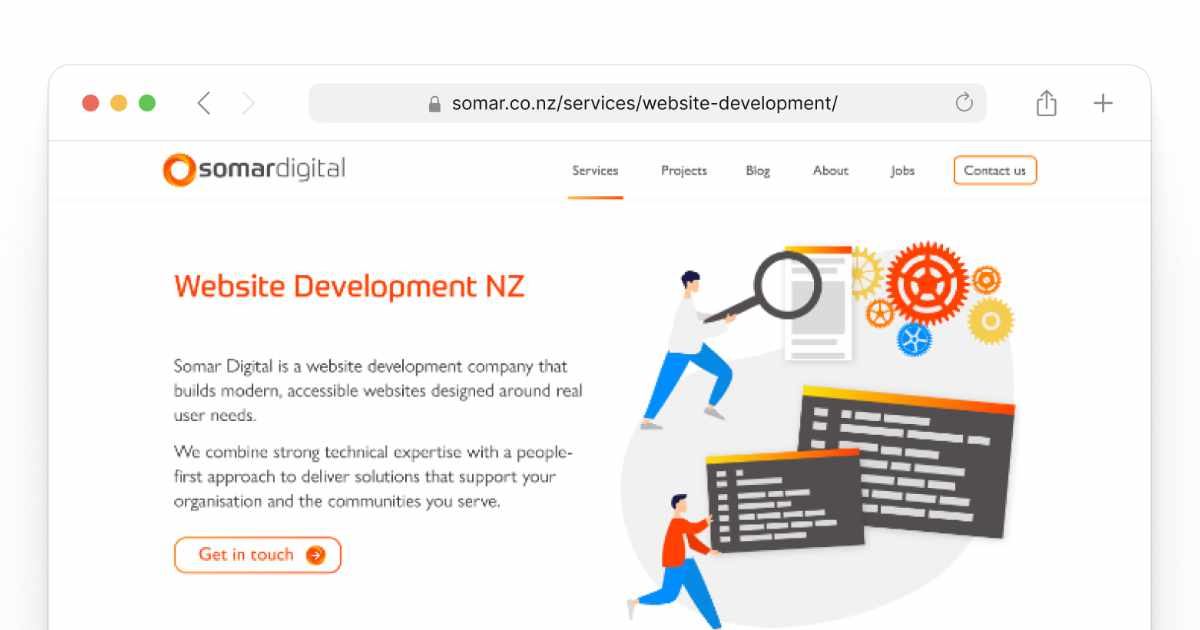
Google Ads sends traffic to your website, so your site needs to be ready before you spend a dollar. Google also reviews your landing pages to ensure they offer a good experience for users.
At a minimum, your website should:
- Clearly explain what your business offers
- Load quickly and work well on mobile devices
- Be easy to navigate
- Include contact details and privacy information
For many campaigns, a dedicated landing page performs better than a homepage. Landing pages are focused on one action, such as filling out a form or calling your business, which makes them ideal for paid advertising.
Setting Up a Google Ads Account
Once your website is ready, you can set up your Google Ads account. Google will guide you through the process, but it is important to make a few smart choices early on.
You will need to:
- Create or log in to a Google Ads account
- Select your advertising goal, such as leads or website traffic
- Choose the locations you want your ads to appear in
- Set a daily budget
When prompted, it is usually best to switch to “Expert Mode” rather than using Google’s simplified Smart campaigns.
Expert Mode gives you more control over keywords, budgets, and bidding, which leads to better long-term results.
What Types of Google Ads Should You Start With?
Google offers several ad formats, but not all of them are suitable for beginners.
Search ads
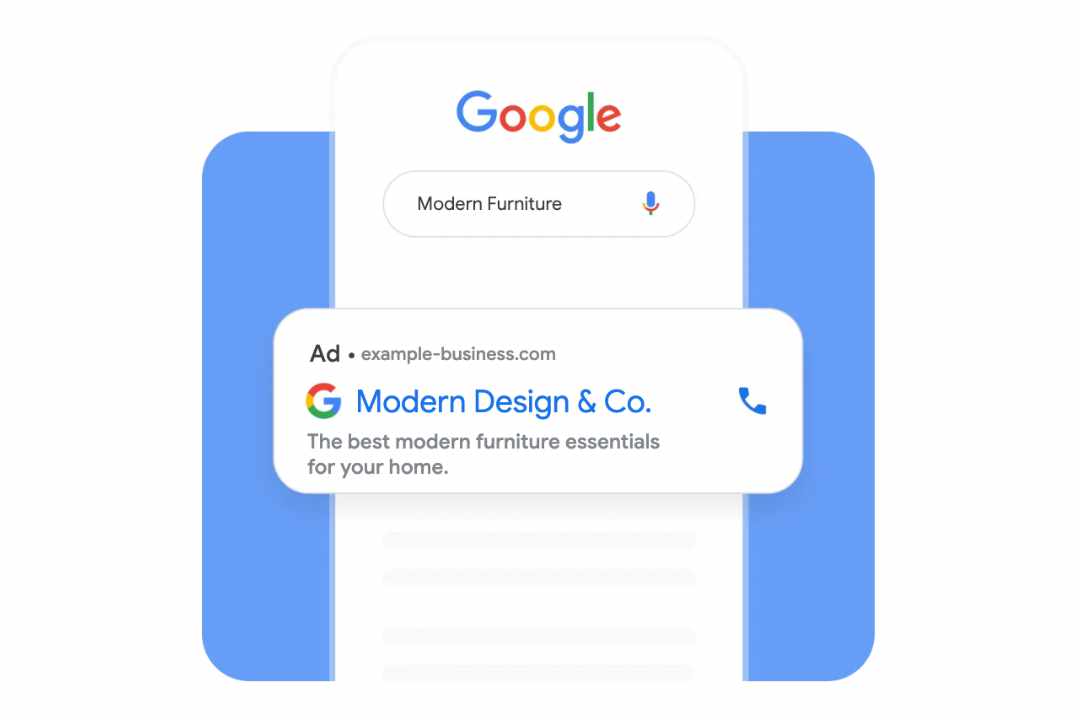
Search ads are text-based ads that appear when someone searches on Google. They are usually the best place to start because they target people with clear intent.
Search ads work particularly well for:
- Service-based businesses
- Lead generation
- High-intent searches where users are ready to take action
Other ad types to consider later
- Display ads for brand awareness
- Shopping ads for ecommerce stores
- YouTube ads for video campaigns
- Performance Max campaigns once tracking is set up properly
Starting simple allows you to learn what works before expanding into more complex formats.
Keyword Research: How Google Knows When to Show Your Ads
Keywords are the words and phrases people type into Google.
Your ads appear when those searches match the keywords you choose.
Good keyword research helps you:
- Reach the right audience
- Avoid wasting spend on irrelevant searches
- Control costs
Google’s Keyword Planner is a useful starting point for finding keyword ideas and estimating search volume.
It is also important to use negative keywords to exclude searches that are not relevant to your business.
How to Set Up Google Tag Manager (GTM)
Google Tag Manager is a tool that allows you to manage tracking without constantly editing your website code. It acts as a central hub for tags like Google Analytics and conversion tracking.
Basic GTM setup involves:
- Creating a Google Tag Manager account
- Adding the GTM container code to your website
- Publishing the container
- Testing that it is working correctly
Once GTM is installed, future tracking changes are much easier to manage.
How to Set Up Google Analytics 4 (GA4)
Google Analytics 4 is used to understand how people interact with your website. It tracks traffic sources, user behaviour, and conversions.
To set up GA4:
- Create a GA4 property in Google Analytics
- Install GA4 using Google Tag Manager
- Enable enhanced measurement
- Link GA4 to your Google Ads account
This connection allows Google Ads to optimise campaigns based on real user behaviour rather than assumptions.
Setting Up Conversion Tracking
Conversion tracking is one of the most important parts of advertising on Google. It tells you whether your ads are actually driving results.
Common conversions include:
- Form submissions
- Phone calls
- Purchases
- Email clicks
Conversions are usually tracked through GA4 and implemented using Google Tag Manager.
Without conversion tracking, you are effectively advertising blind.
Launching Your First Google Ads Campaign
Before launching, it is worth running through a final checklist:
- Tracking has been tested
- Keywords are relevant and focused
- Ads have been approved
- Budgets are realistic
It is normal for performance to fluctuate in the first few weeks.
Google Ads requires ongoing optimisation, not a set-and-forget approach.
Can I Manage Google Ads Myself or Should I Get Help?
Some businesses manage Google Ads themselves, particularly when budgets are small. However, it takes time to learn how bidding, keywords, and tracking work together.
Working with a specialist can:
- Reduce wasted ad spend
- Improve results faster
- Free up time for your team
At Somar Digital, we help businesses set up Google Ads properly from day one, focusing on clean tracking, clear goals, and continuous improvement.
Next Steps: Getting Started with Google Advertising
Advertising on Google works best when the foundations are done well. A clear website, proper tracking, and a simple campaign structure make a significant difference.
If you want support setting up or improving your Google Ads, Somar Digital can help you build a strategy that delivers measurable results.
Get in touch to talk through your goals and the best way to get started.
